


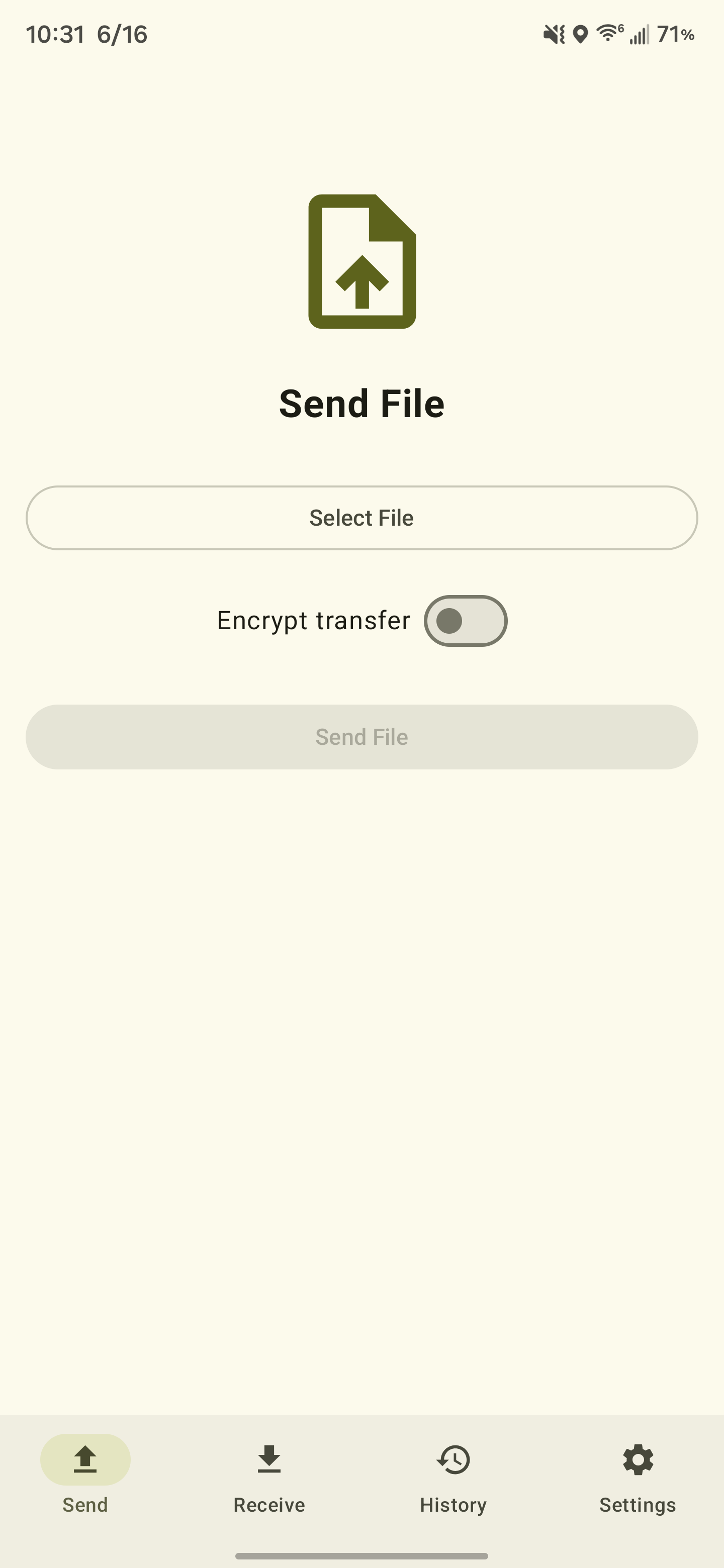
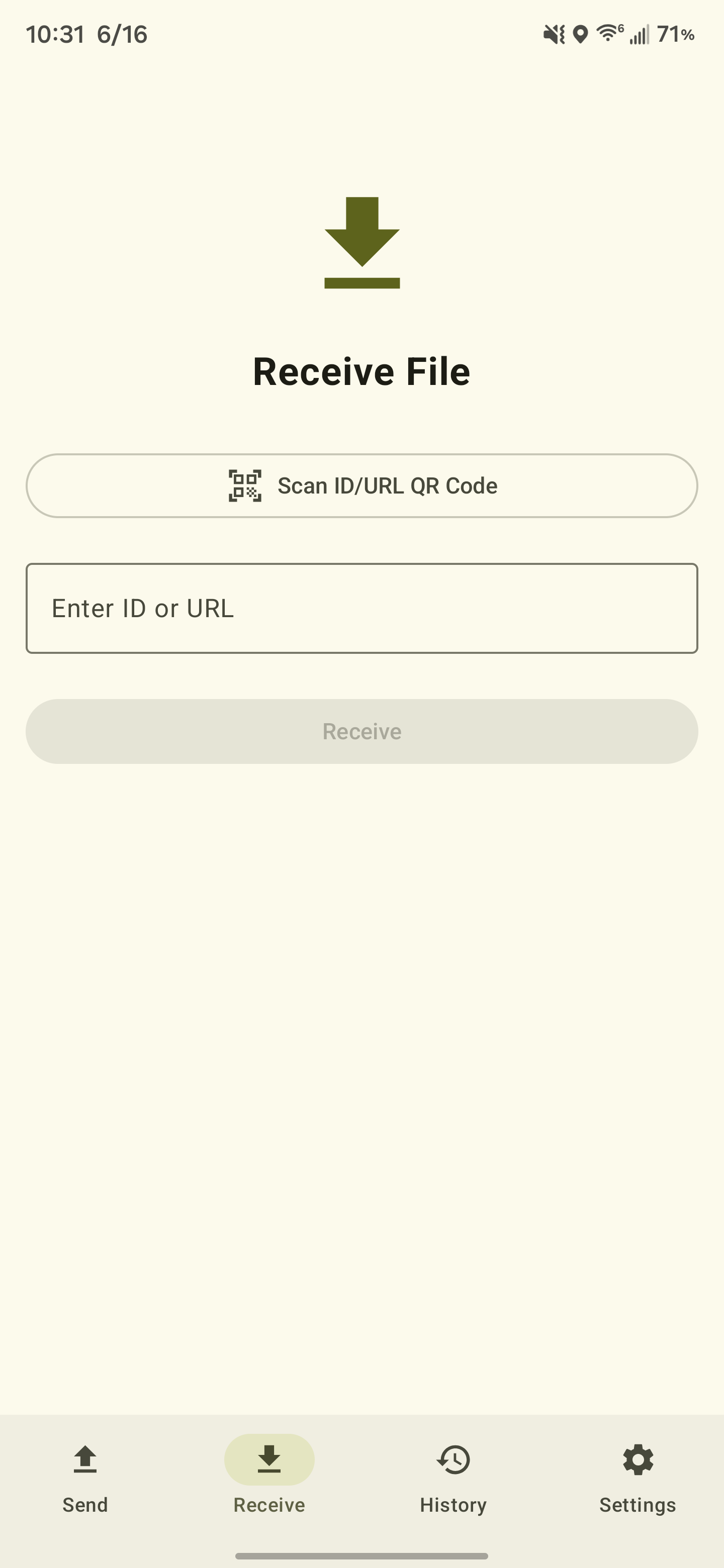
- Upload files directly or via the system share sheet
- Download files by ID or QR code scan
- Optional client-side end-to-end encryption with a BIP39 mnemonic passphrase
- QR code display after upload for easy sharing
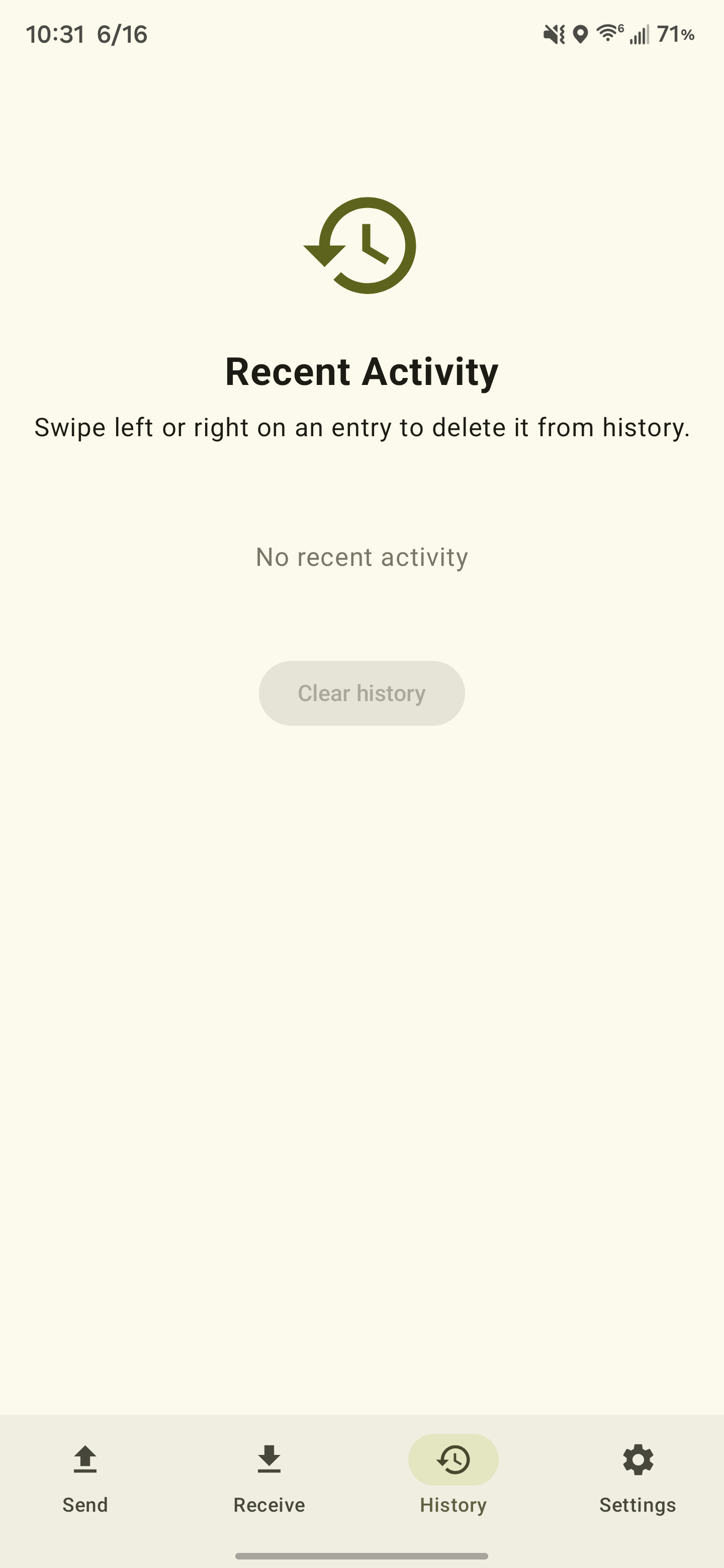
- Upload history with time remaining per file
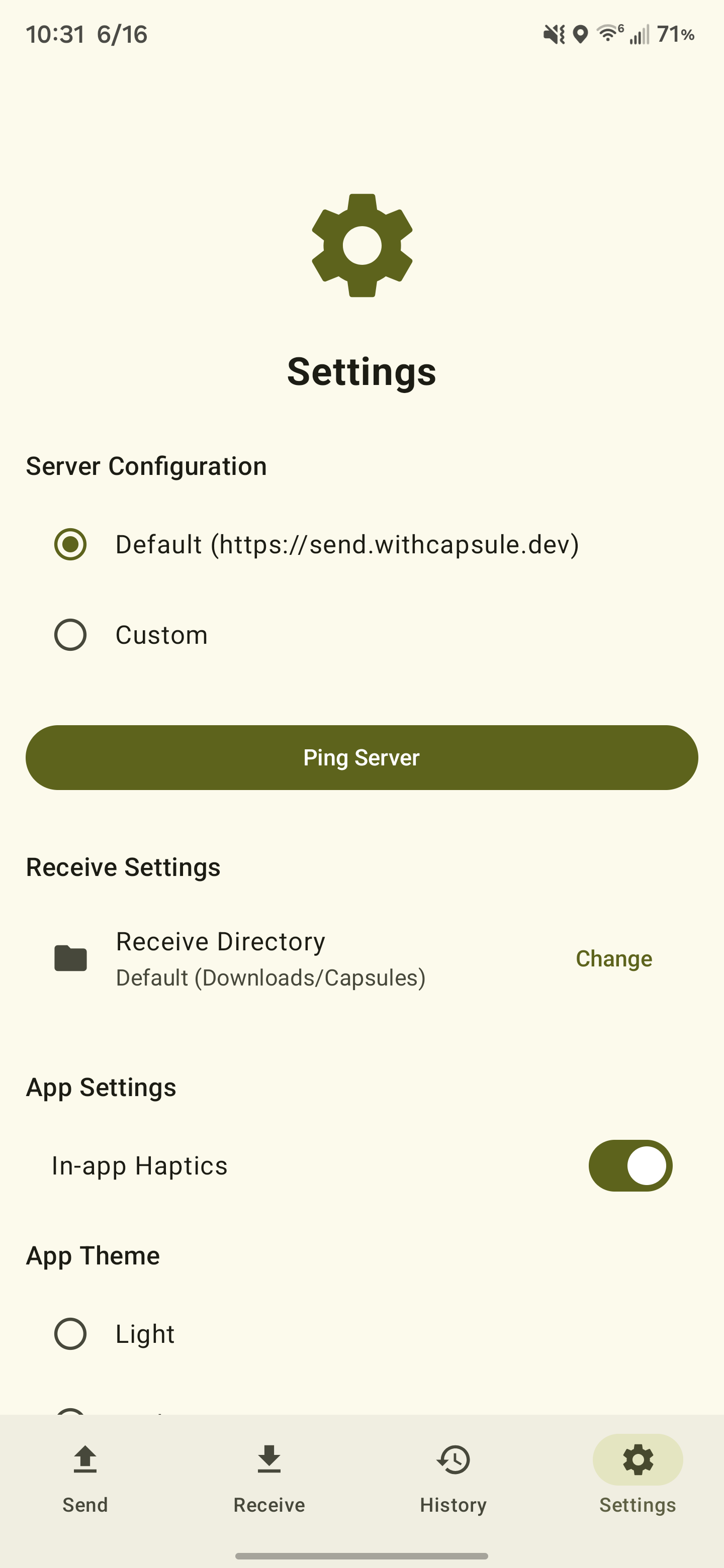
- Self-hosted server support, including LAN
- Dark, light, and system theme
- Anonymous opt-out analytics
./gradlew installDebug # build and install on a connected device/emulatorEveryday runs use the debug build type, so unit and instrumented tests are runnable straight from
Android Studio's gutter icons:
./gradlew testDebugUnitTest         # JVM unit tests (fast, no device)
./gradlew connectedDebugAndroidTest # instrumented tests on a connected device/emulatorTo catch "works in debug, crashes in release" regressions, such as stripped serializers, missing keep
rules, etc., run the instrumented tests against the minified build by passing -PtestR8:
./gradlew connectedReleaseTestAndroidTest -PtestR8-PtestR8 retargets testBuildType at the releaseTest build type, which mirrors the shipping
release build exactly (same R8 minification, resource shrinking, and proguard-rules.pro) so the
tests exercise minified/obfuscated code. It layers on only test-runner keep rules
(release-test-keep.pro for the app side, androidTest-rules.pro for the test APK) and never
affects the shipping release APK. This is the check worth running in CI before a release.
Note: AGP generates the test components only for the active
testBuildType, so with-PtestR8the task names shift totestReleaseTestUnitTest/connectedReleaseTestAndroidTest. Without the flag (the default), Android Studio sees thedebugcomponents and gutter icons work normally.
Full documentation lives at docs.withcapsule.dev.
See PRIVACY_POLICY.md for how the app handles data.