



Important
Cord does not require Rust to be installed.
- ⚡ Fast, lightweight, and batteries included.
- 🚀 Rate-limit aware, event-driven architecture.
- 🎨 Dynamic string templates with custom variables.
- 🗃️ Customizable assets for any file/buffer type.
- 🔧 Flexible configuration with rich API, function-based fields, hooks, user commands and custom IPC paths.
- 🔌 Extension system of its own, with many extensions out-of-the-box.
- 🛠️ Finds repositories and workspaces based on VCS files without relying on command-line tools.
- 🧠 Manages activities across all instances with a single connection to Discord.
- 💤 Detects when you're idle and switches to the most recent active instance.
- 🎯 Async-first design with an async-aware configuration layer.
- 📦 Works with different Discord setups (Snap, Flatpak, WSL, and even the
browser). - 🌍 Runs on Windows, Linux, macOS, and FreeBSD.
- 🌸 Includes 120+ icons for 200+ file types and plugins, featured in distinct themes and flavors.
- 🔁 Reconnects automatically if connection to Discord is lost.
Note
cord.nvim will automatically load with defaults; calling setup() is optional.
The default configuration is found here.
lazy.nvim
{
  'vyfor/cord.nvim'
}{ 'vyfor/cord.nvim', ---@type CordConfig opts = { -- ... } }
packer.nvim
use {
  'vyfor/cord.nvim'
}use { 'vyfor/cord.nvim', config = function() require('cord').setup { -- ... } end }
vim.pack (v0.12+)
vim.pack.add { 'https://github.com/vyfor/cord.nvim' }require('cord').setup { -- ... }
Vim packages
Unix:
git clone https://github.com/vyfor/cord.nvim ~/.local/share/nvim/site/pack/plugins/start/cord.nvimWindows (PowerShell):
git clone https://github.com/vyfor/cord.nvim $LOCALAPPDATA/nvim-data/site/pack/plugins/start/cord.nvimrequire('cord').setup { -- ... }
Considerations
Cord requires the server executable to be present. By default, the plugin will fetch it from GitHub, which requires a dependency on curl.
If preferred, the server can be built from source. Run :Cord update install to install from crates.io or :Cord update build to build from source locally.
Note: If you decide to build from source, it is your responsibility to keep the server binary up-to-date.
See the Examples to get started. Ask any questions in Discussions.
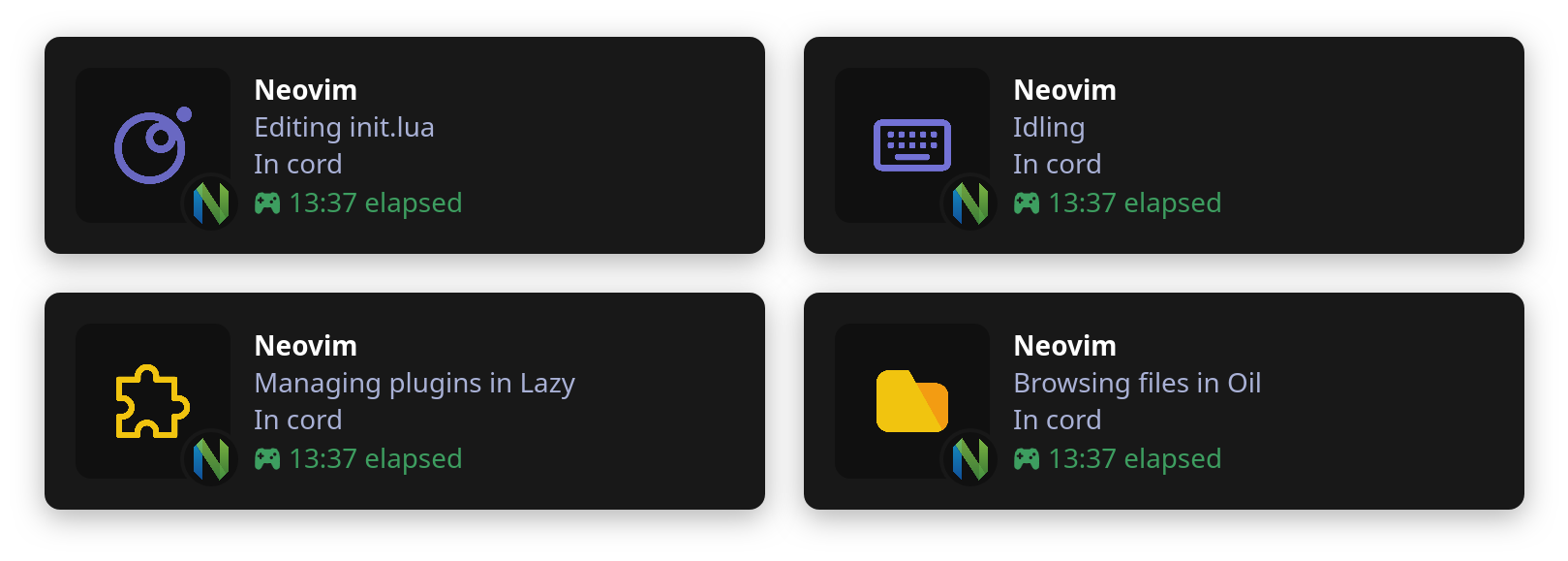
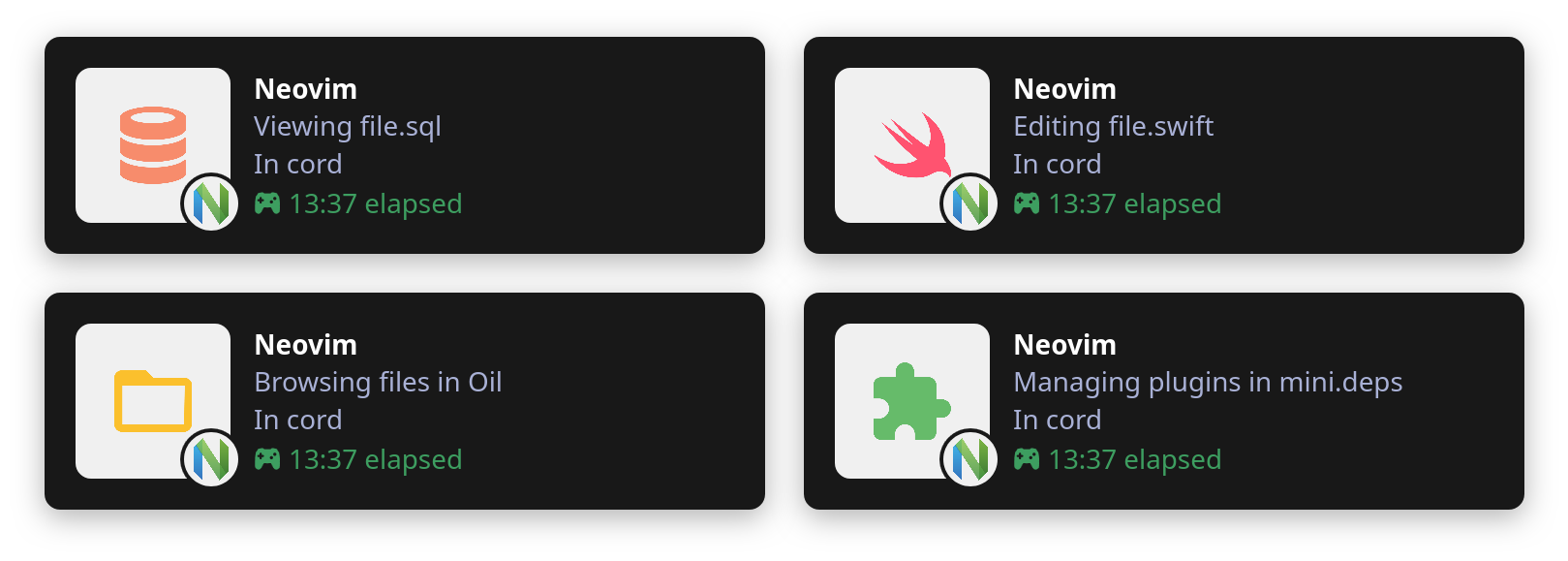
Cord features over 120 meticulously crafted icons available in distinct themes:
- Default: A stylish theme based on Nerd Fonts icons.
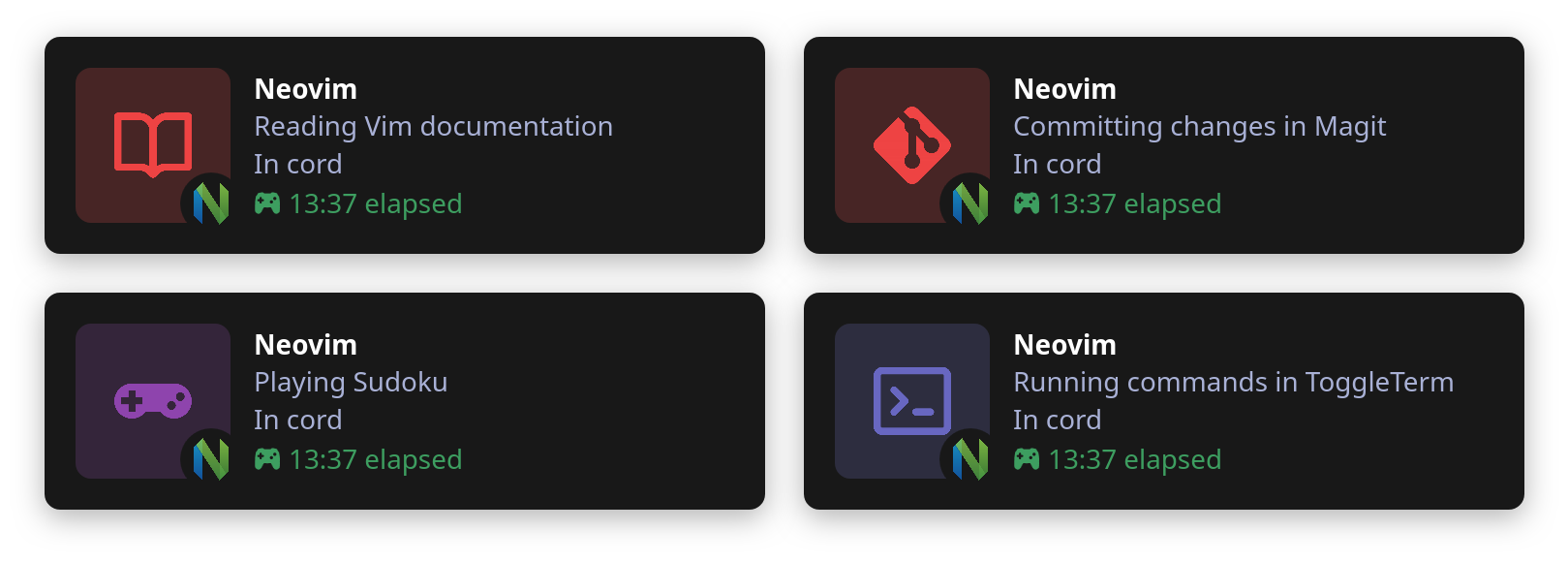
- Atom: A sleek theme based on Atom Material Icons.
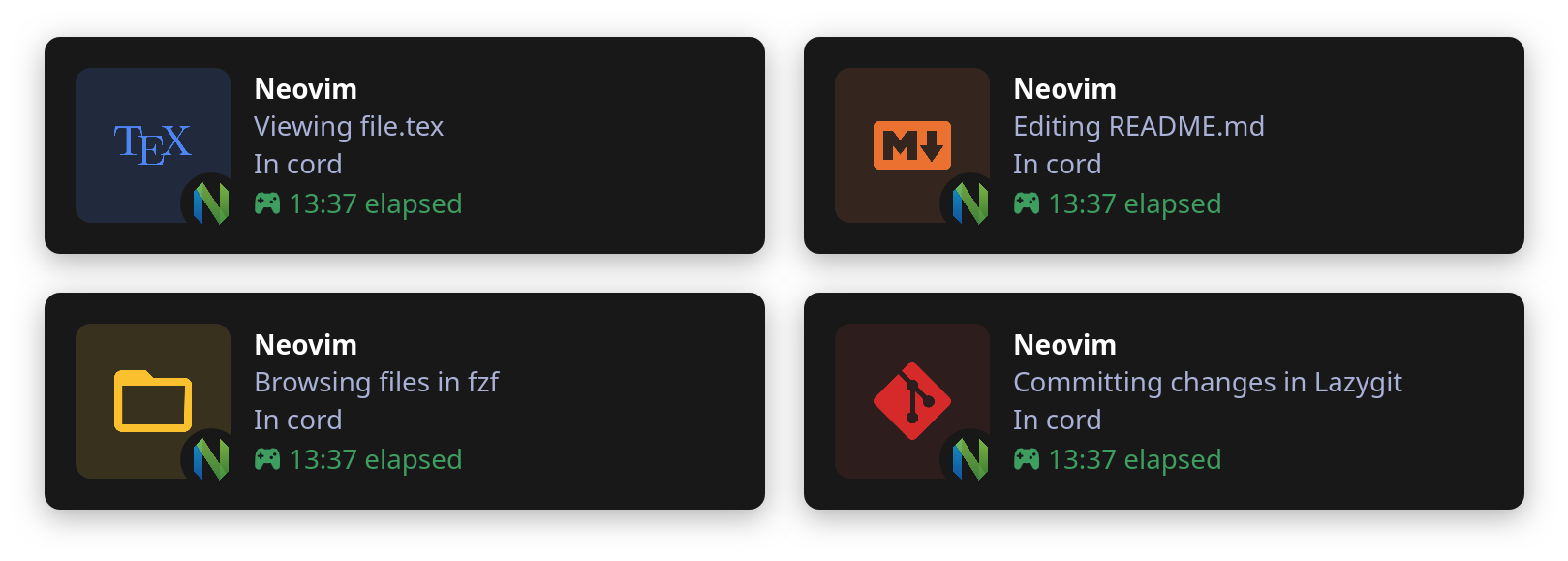
- Catppuccin: A soothing pastel theme based on Catppuccin icons.
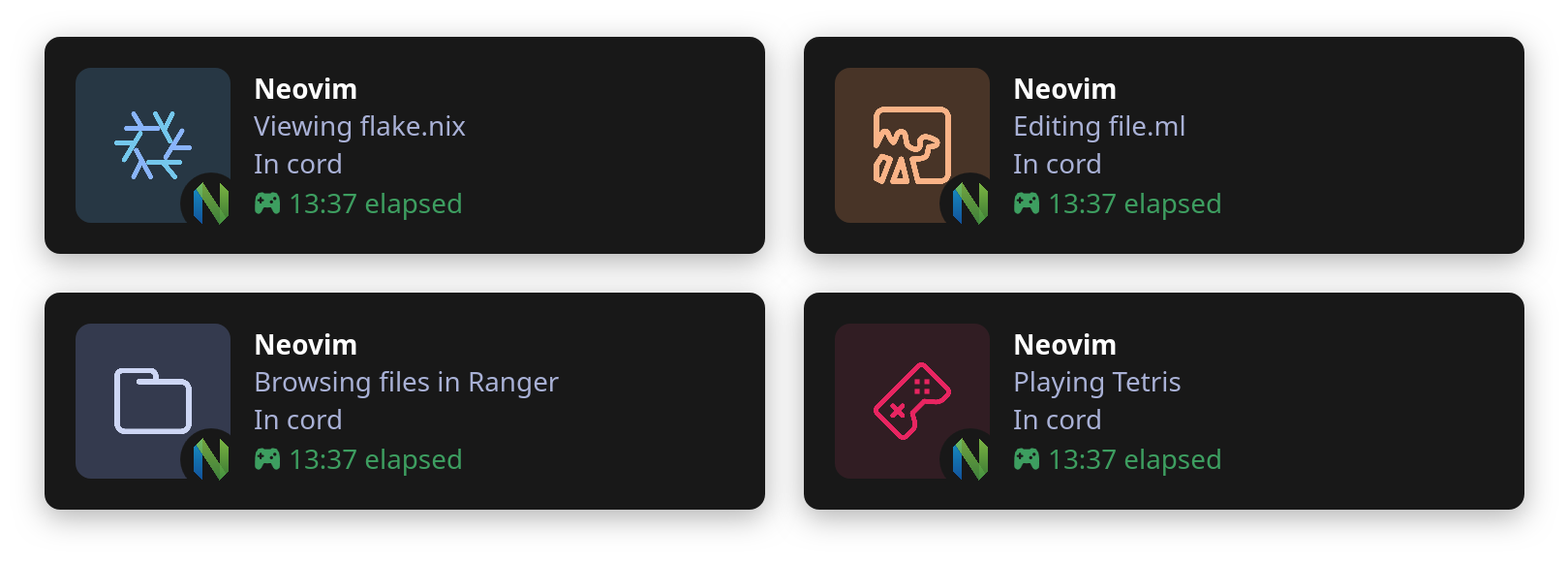
- Minecraft: A blocky pixel-art set based on Datapack Icons.
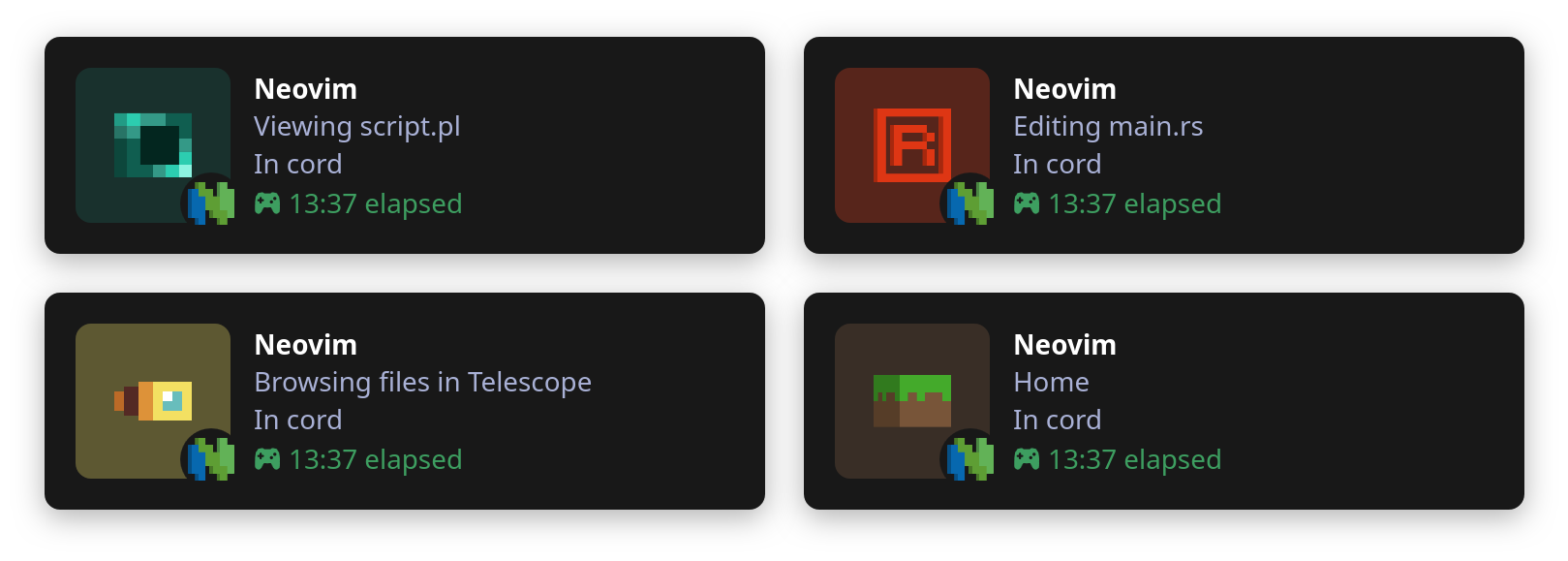
- Void: A monochrome set defined by negative space.
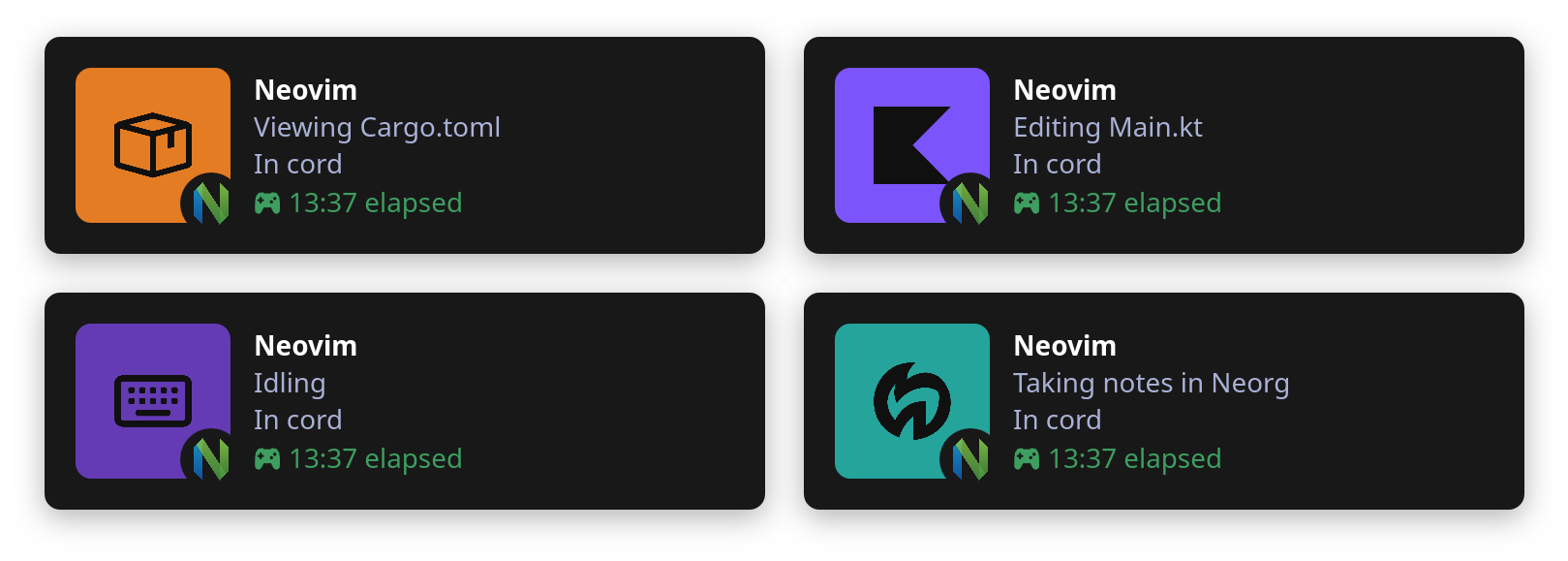
- Classic: A clean theme featuring widely recognized icons.
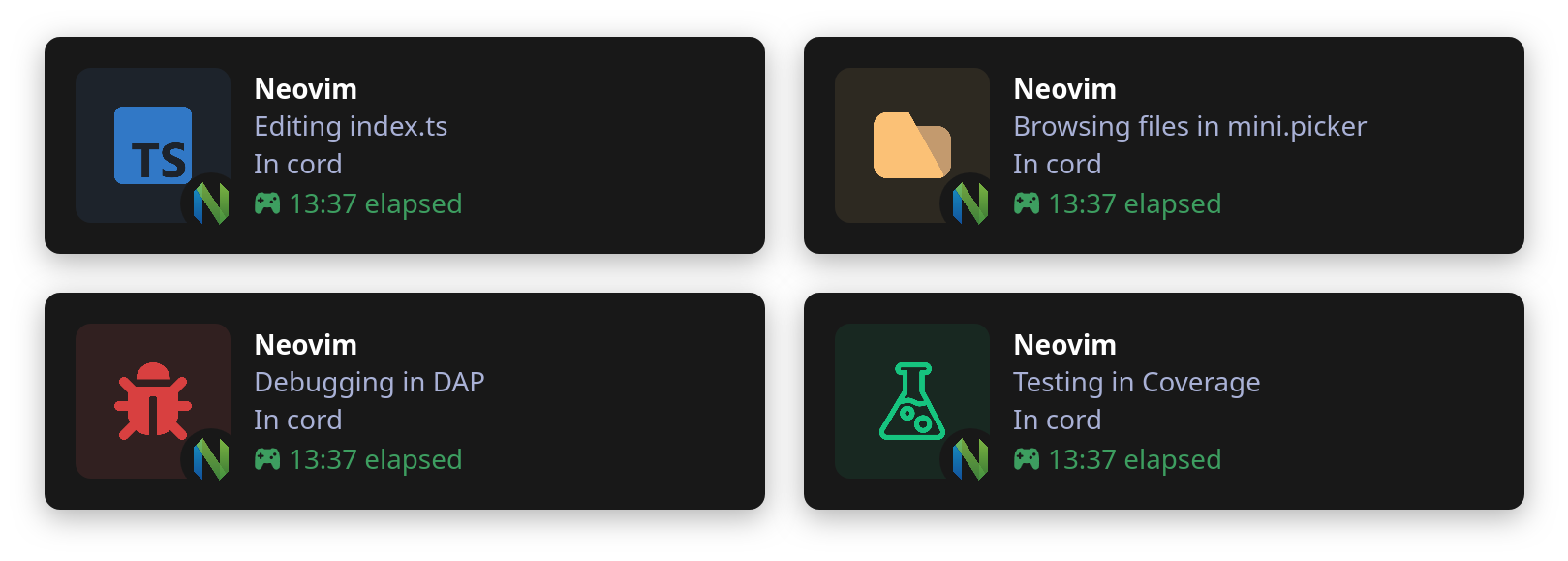
See the showcase for an extended comparison.
Tip
Each theme includes multiple flavors, typically dark, light, and accent, representing the background color of the icons.
Choose your theme in the display configuration option. More themes are coming soon!
| Atom (Light) | Minecraft (Dark) |
|---|---|
 |
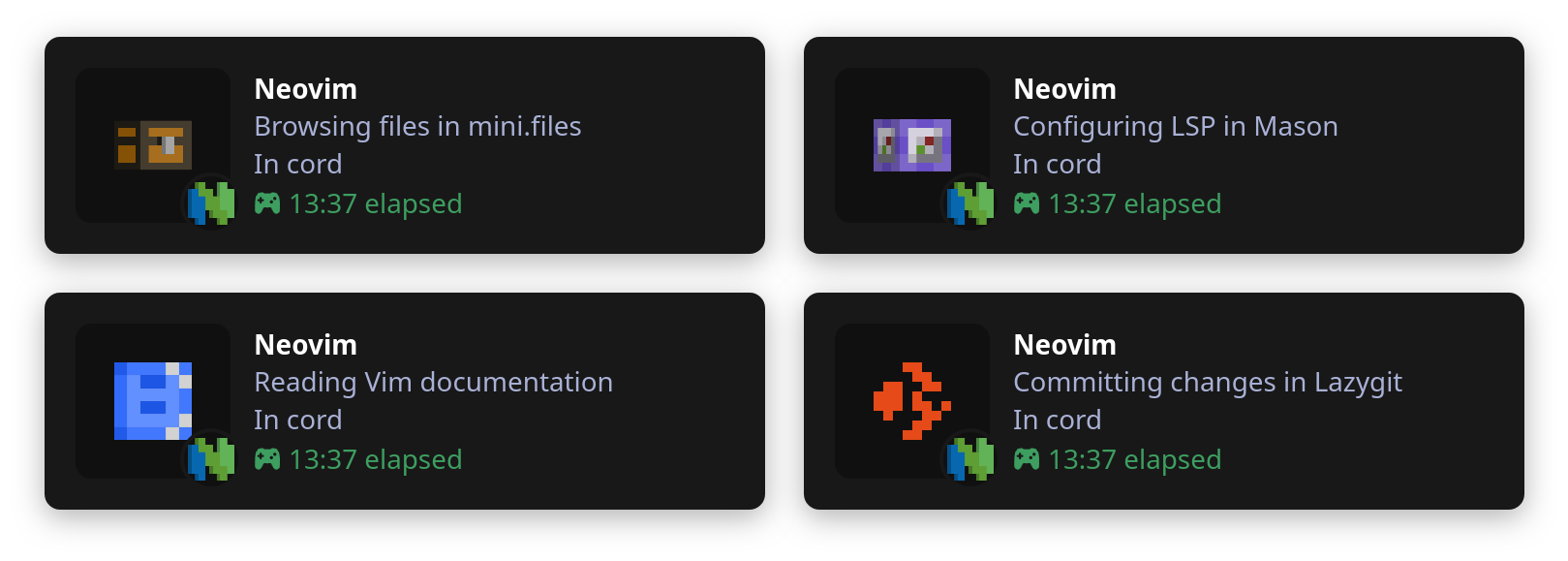 |
I'm the sole maintainer of cord.nvim and dedicate much of my free time to this project. If you find Cord helpful, you can show your support by starring the repo or sponsoring me on GitHub. Every bit of support helps me continue to improve and maintain Cord for everyone. Thank you!