
English | 简体中文
Render vector tiles in Cesium using MapLibre-style JSON. The library reuses MapLibre GL JS code and designs for style expressions, tile processing, and label layout, then renders through Cesium's Buffer*Collection and Primitive APIs.
Use the library with an existing Cesium scene. It is framework independent and provides TypeScript declarations.
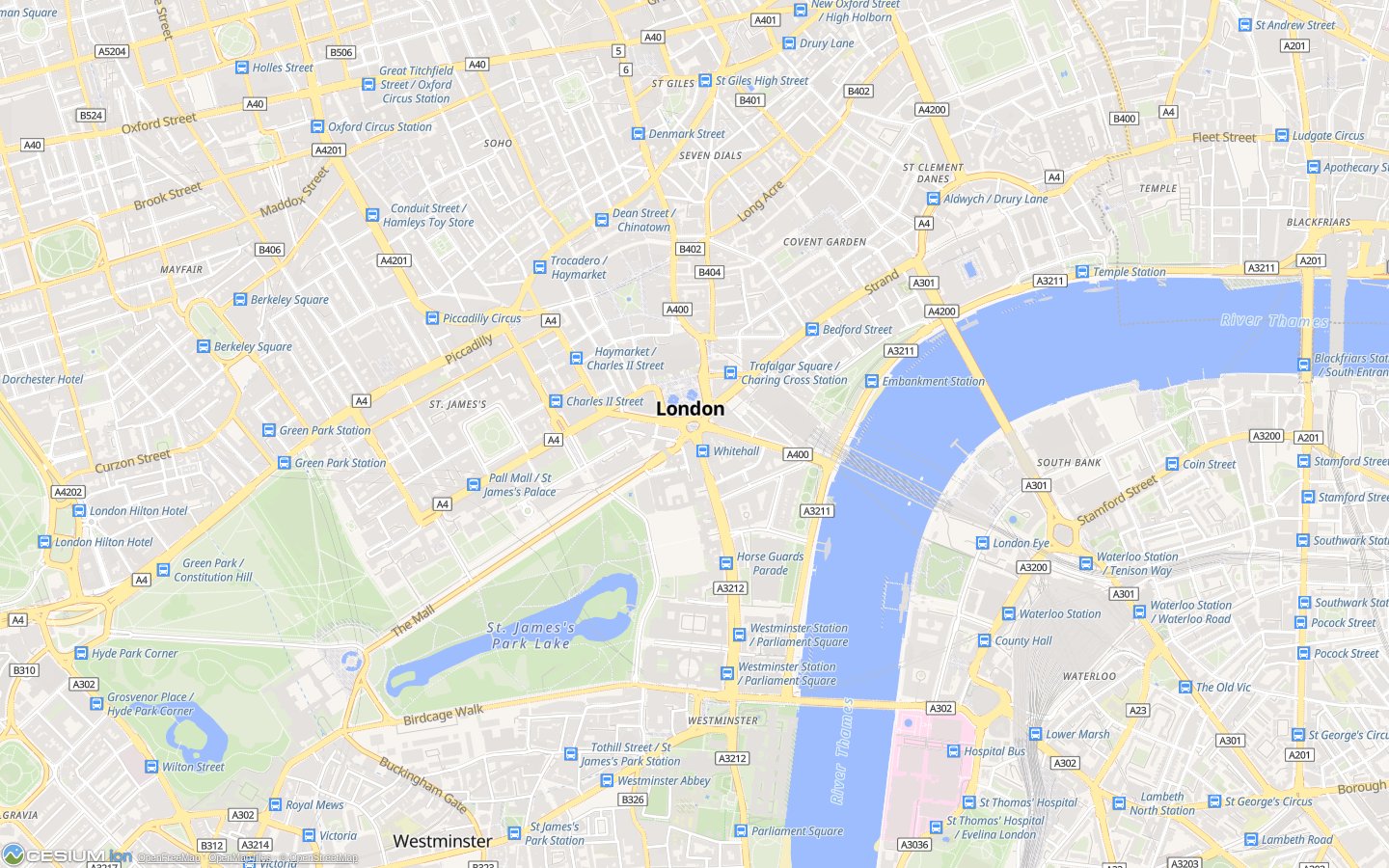
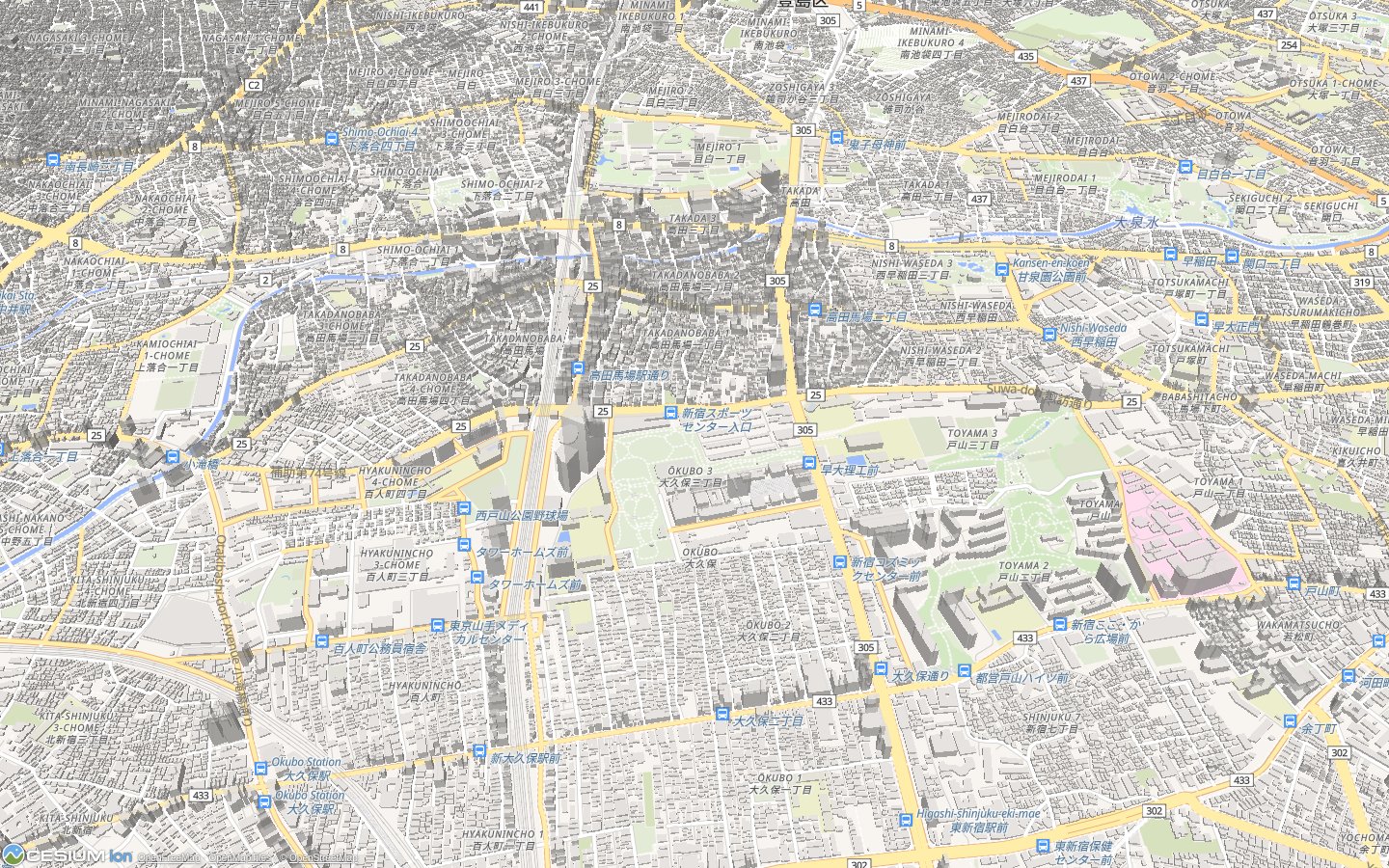
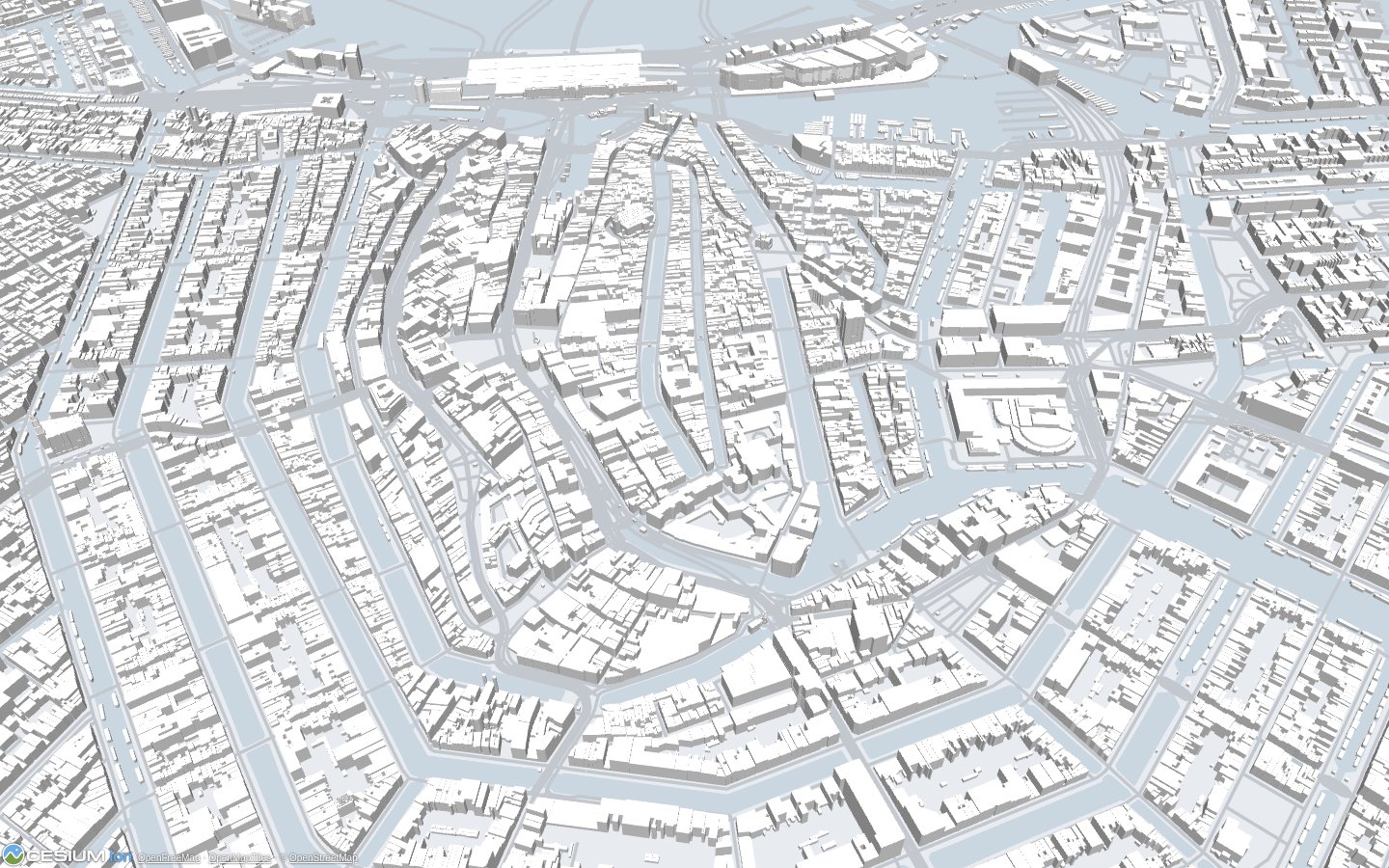
Click a screenshot to explore the same scene in the live demo.
| London · 2D roads and labels | Tokyo · 3D city map |
|---|---|
 |
 |
| Amsterdam · Extruded buildings | World · Globe view |
 |
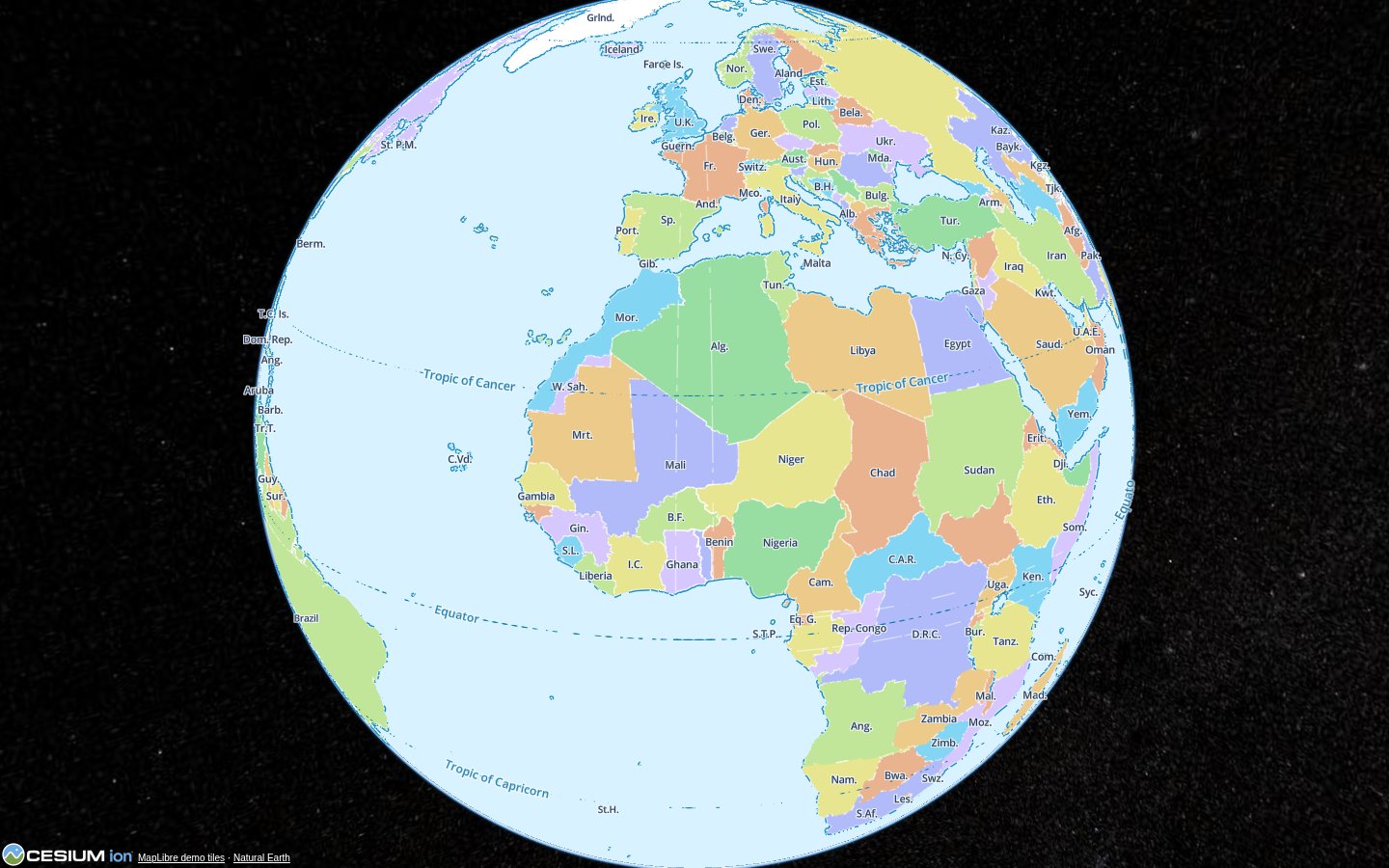 |
City maps: OpenFreeMap / OpenMapTiles / © OpenStreetMap. World map: MapLibre demo tiles / Natural Earth.
| Area | Current implementation |
|---|---|
| Vector data | Mapbox Vector Tiles (MVT), MapLibre Tiles (MLT), and GeoJSON |
| Other sources | Raster tiles, images, video, and canvas |
| Style layers | background, fill, line, circle, fill-extrusion, symbol, and raster |
| Styling | MapLibre style expressions and filters, data-driven paint, dashed lines, and image patterns |
| Labels | Text and icons, glyph/sprite loading, collision placement, and local CJK glyph generation |
| Cesium integration | 3D, 2D, Columbus View, scene mode transitions, and feature picking for supported primitives |
| Tile lifecycle | Worker processing, camera-based tile selection, parent/child fallback, caching, and GPU resource retirement |
This is a Cesium rendering backend with a subset of MapLibre's capabilities. See compatibility and limits before choosing a style.
pnpm add cesium cesium-vector-tilesetConfigure Cesium's static assets in your application.
The following examples assume your application already owns a Cesium Scene and a render loop.
Serve your version 8 style JSON at /styles/map.json, or replace the URL with your provider's style URL:
import type { Scene } from 'cesium';
import { CesiumVectorTileset } from 'cesium-vector-tileset';

export async function addVectorMap(scene: Scene) {
  const tileset = await CesiumVectorTileset.fromUrl('/styles/map.json');

  tileset.errorEvent.addEventListener((error) => {
    console.error('Vector map error:', error);
  });

  try {
    await tileset.whenReady();
    scene.primitives.add(tileset);
    scene.requestRender();
    return tileset;
  }
  catch (error) {
    tileset.destroy();
    throw error;
  }
}
fromUrl() fetches the style and creates the tileset. whenReady() waits for style initialization; it does not wait for viewport tiles to render. Once the tileset is in the scene, tilesLoaded reports whether current source data, geometry uploads, and pending symbol work have finished. The value can change as the camera moves.
Cesium supplies the camera, projection, and rendering context through the primitive's update(frameState) callback. The tileset requests further frames through frameState.afterRender, including asynchronous loading under requestRenderMode; no scene or render callback option is needed.
An inline GeoJSON source is useful for trying the API without a tile server:
import type { Scene } from 'cesium';
import { CesiumVectorTileset } from 'cesium-vector-tileset';

export async function addPoint(scene: Scene) {
  const tileset = new CesiumVectorTileset({
    style: {
      version: 8,
      sources: {
        places: {
          type: 'geojson',
          data: {
            type: 'Feature',
            properties: { name: 'Shanghai' },
            geometry: { type: 'Point', coordinates: [121.454, 31.258] },
          },
        },
      },
      layers: [{
        id: 'places',
        type: 'circle',
        source: 'places',
        paint: { 'circle-radius': 8, 'circle-color': '#38bdf8' },
      }],
    },
  });

  try {
    await tileset.whenReady();
    scene.primitives.add(tileset);
    scene.requestRender();
    return tileset;
  }
  catch (error) {
    tileset.destroy();
    throw error;
  }
}
Move your camera to Shanghai to see the point. For vector tile sources, each layer also needs a source-layer matching a layer name inside the tile data.
| Option | Purpose |
|---|---|
style |
Version 8 style object; required by the constructor |
transformRequest |
Transform style, source, tile, sprite, and glyph requests, including URLs and headers |
zoomLevelsToOverscale |
Levels to reparse above a vector source's maximum zoom; defaults to 4 |
localIdeographFontFamily |
Local CJK font family; defaults to sans-serif; false uses server glyphs |
heightReference |
Fill polygon draping; defaults to Cesium's HeightReference.NONE |
signal |
fromUrl() only: cancels the style request before tileset creation |
Use setStyle(nextStyle) to apply a new style object. Unchanged sources retain their tile caches. Register or replace RGBA images with addImage() / updateImage() and remove them with removeImage().
pick(pickObject) resolves a supported primitive's pick ID to { layerId, properties }. stats() exposes tile, collection, memory, and submitted-command counters. setGpuMemoryBudgetBytes(bytes) adjusts the GPU cache budget; active tiles are retained, so this is not a hard memory cap. Types and method signatures are available through the public entry point and tileset implementation.
When disposing a map, remove it from the scene and release it if the owning collection has not already done so:
import type { Scene } from 'cesium';
import type { CesiumVectorTileset } from 'cesium-vector-tileset';

export function removeVectorMap(scene: Scene, tileset: CesiumVectorTileset) {
  scene.primitives.remove(tileset);
  if (!tileset.isDestroyed()) {
    tileset.destroy();
  }
  scene.requestRender();
}- Tested with Cesium 1.146.0.
- Supported layer and source types are listed above.
heatmap,hillshade, andraster-demare not implemented.line-gradientis explicitly rejected by style validation. - Draping applies only to ordinary fill polygons and requires the hosting scene's vector provider. Lines, circles, symbols, extrusions, and image patterns retain ellipsoid heights.
- Text and icons render, but symbol picking is currently disabled.
fromUrl()resolves relative source TileJSON URLs, tile templates, sprites, and glyph URLs against the style URL. Use absolute URLs for GeoJSONdata, imageurl, and videourlswhen they are remote resources.- Browser rendering requires WebGL and module Workers. Deploy Cesium's static assets, including its complete
Workersdirectory, along with the library's worker and shared chunks. The demo handles Cesium assets withunplugin-cesium; see vite.config.ts. - The library is framework independent; Vue is used by the demo. Importing the package in Node does not provide server-side map rendering.
The project is licensed under the MIT License. Its implementation adapts code and designs from MapLibre GL JS and uses Cesium for rendering. Third-party dependencies and map data retain their respective licenses and attribution requirements.