Web GUI to display flame graphs for requests to PHP applications.
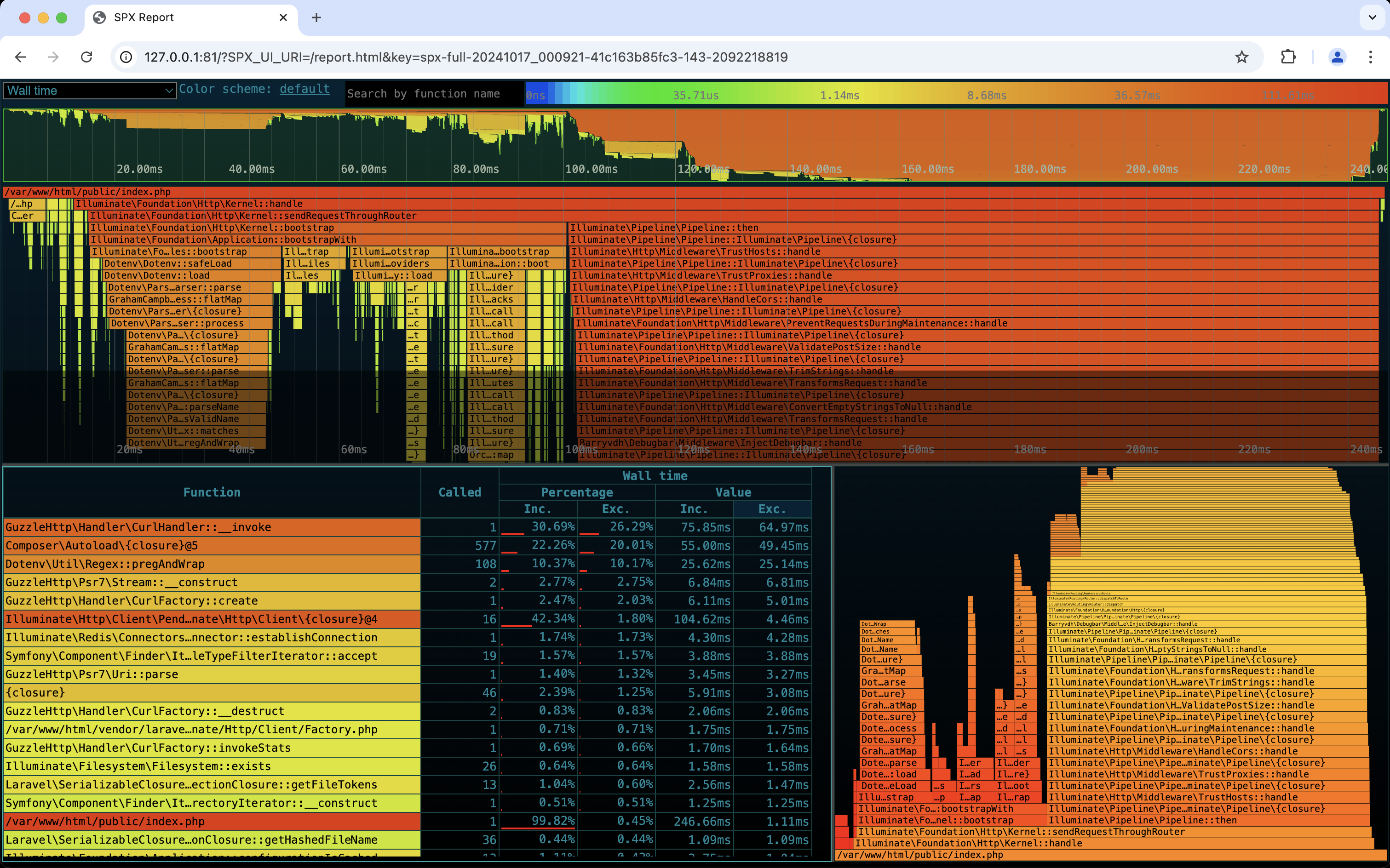
The following example expects that you have your projects' containers defined in compose.yml. It will listen for requests on port 81.
wget -O compose-spx.yml https://raw.githubusercontent.com/nedix/spx-container/main/docs/examples/compose.ymldocker compose -f compose.yml -f compose-spx.yml up -dNavigate to the page you would like to get measurements for on http://127.0.0.1:81 to capture a profiling report.
Navigate to the SPX web interface on http://127.0.0.1:81/?SPX_UI_URI=/&SPX_KEY=dev.