
Volto add-on: NextCloud Video Block
This add-on only allows playback from Nextcloud videos, from a selection of allowed domains.
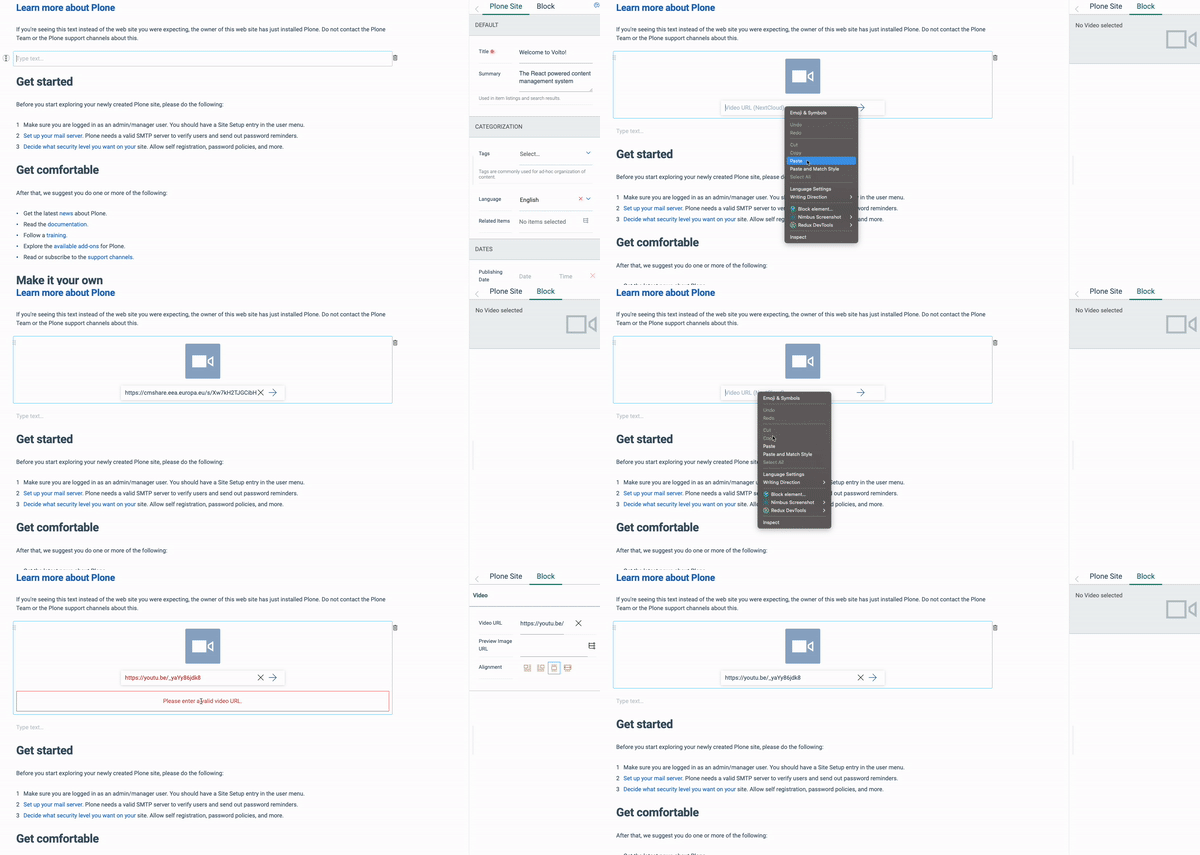
Add `whitelist`` in index.js:
const applyConfig = (config) => {
   config.blocks.blocksConfig.nextCloudVideo = {
   ....
      whiteList: [
         'https://cmshare.eea.europa.eu',
         'https://shareit.eea.europa.eu',
      ],
   ....
   };

   return config;
};
  git clone https://github.com/eea/volto-nextcloud-video-block.git
  cd volto-nextcloud-video-block
  make
  make start
Go to http://localhost:3000
make start now defaults to Volto 18. To run the same setup against Volto 17, use:
  VOLTO_VERSION=17 make
  VOLTO_VERSION=17 make start
-
Make sure you have a Plone backend up-and-running at http://localhost:8080/Plone
docker compose up backend
-
Start Volto frontend
-
If you already have a volto project, just update
package.json:"dependencies": { "@eeacms/volto-nextcloud-video-block": "*" }
and
volto.config.js:const addons = ['@eeacms/volto-nextcloud-video-block'];
-
If not, create one with Cookieplone, as recommended by the official Plone documentation for Volto 18+:
uvx cookieplone project
cd project-title
-
Install or update dependencies, then start the project:
make installFor a Cookieplone project, start the backend and frontend in separate terminals:
make backend-start
make frontend-start
For a legacy Volto 17 project, install the package with
yarnand restart the frontend as usual. -
Go to http://localhost:3000
-
Happy editing!
See RELEASE.md.
See DEVELOP.md.
The Initial Owner of the Original Code is European Environment Agency (EEA). All Rights Reserved.
See LICENSE.md for details.