
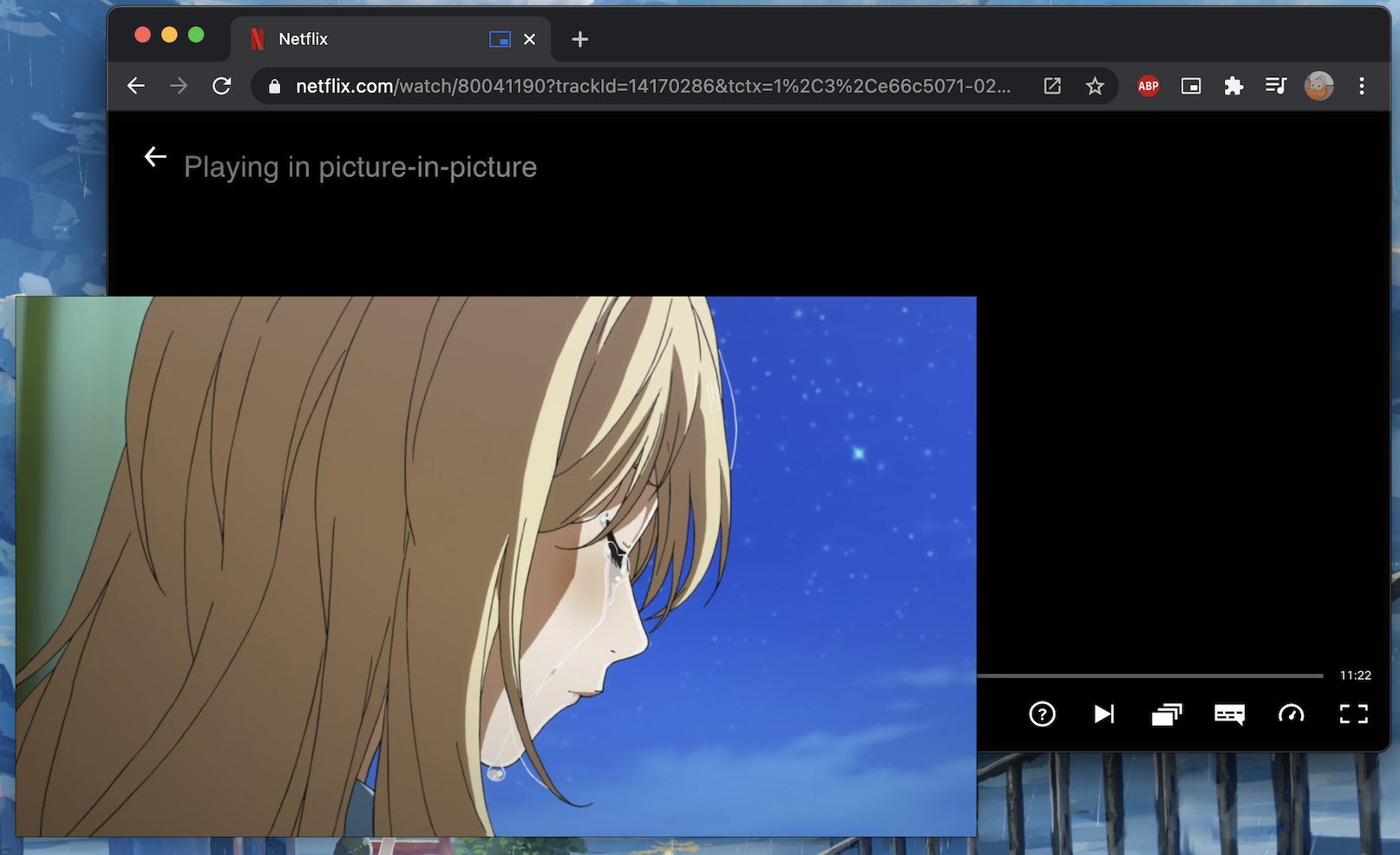



A cross-platform extension that adds a button to pop out videos using the Picture-in-Picture API.
- Download the latest release and unzip it (or clone this repository).
- Open
chrome://extensionsin your browser. - Enable Developer mode in the top right corner.
- Click Load unpacked and select the
srcdirectory.
- Download the latest release and unzip it (or clone this repository).
- Open
about:debugging#/runtime/this-firefoxin your browser. - Click Load Temporary Add-on....
- Select the
manifest.jsonfile located in thesrcdirectory.
To view full project documentation, visit the project documentation.